Let's Play Together.
Remote desktop, built for co-op gaming.
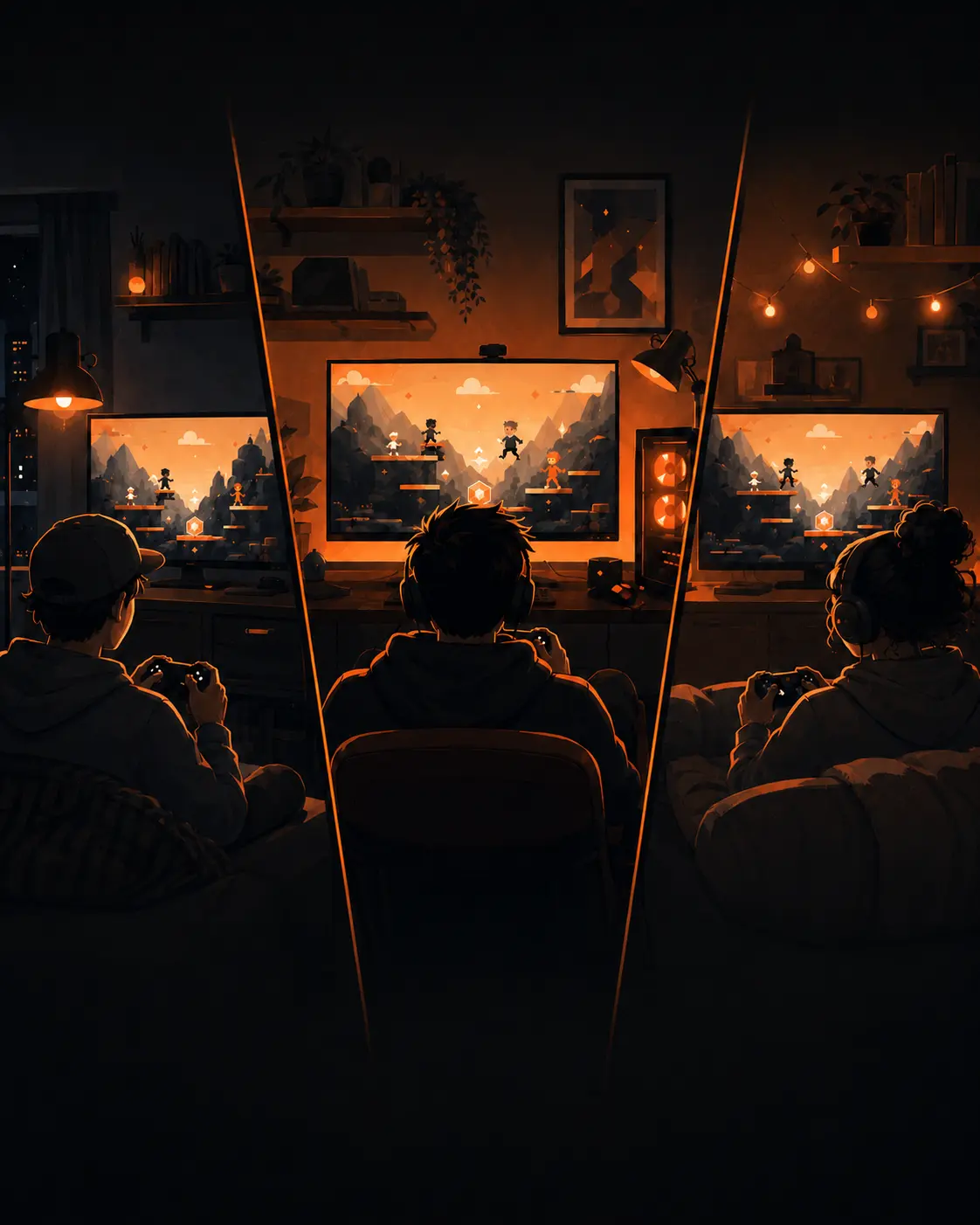
Got 15 minutes? That's all you need.
Your best friend moved far away. Your brother gets home tired and won't install "one more app." Nobody wants to configure anything for half an hour of play.
From invite to playing in under a minute.
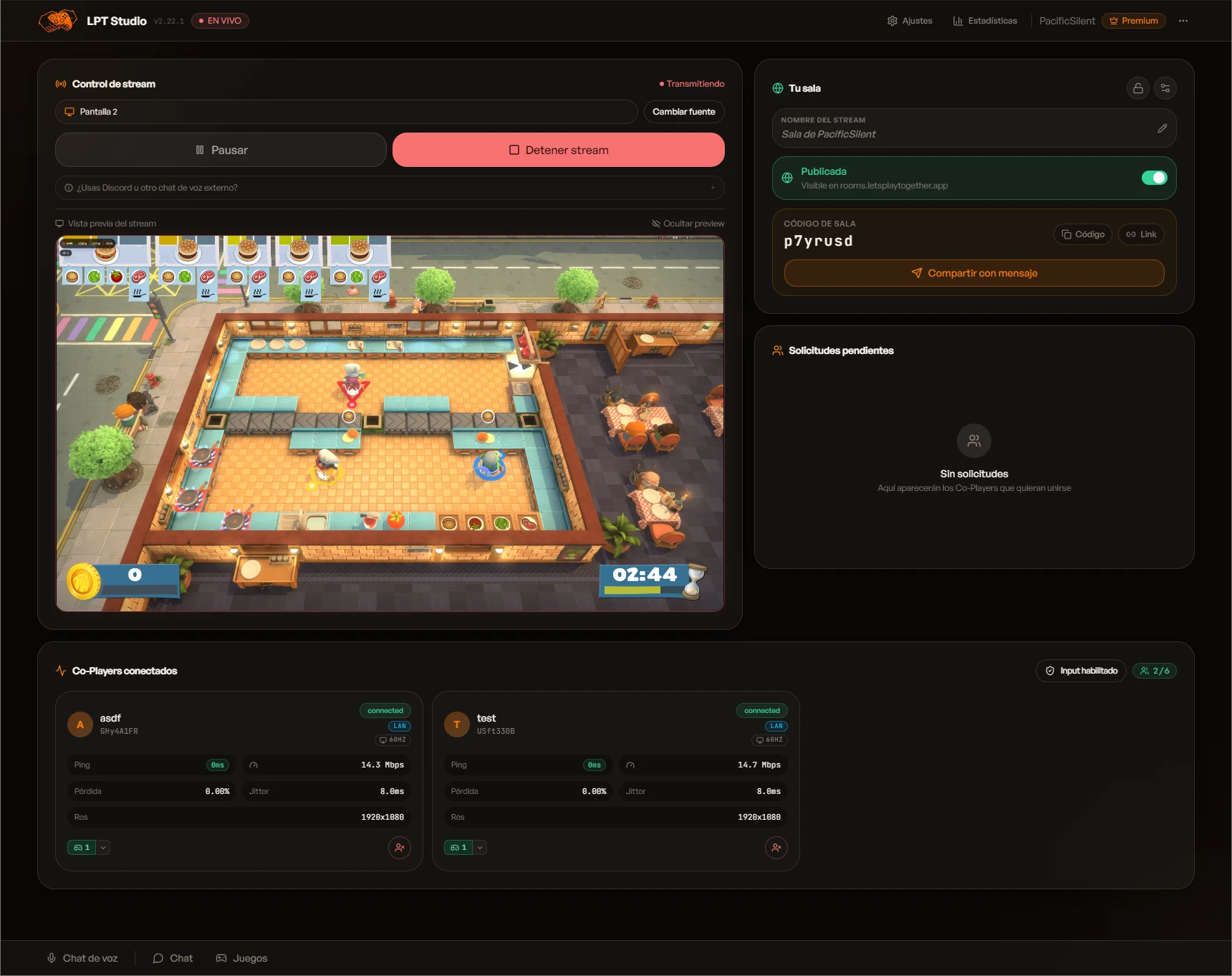
You install LPT Studio once. Your friends install nothing: they join from the browser. Just a link.
- 01
Install LPT Studio
One install, only on your host PC. Open your game, pick the room, it's ready. Zero extra setup.
- 02
Share the link
One link via WhatsApp, Discord, anywhere. Your friends click and join from the browser — nothing to install.
- 03
Play together
They control with a real gamepad, keyboard, or on-screen buttons. You talk in voice chat. Same game, same moment.
They join from their phone and actually play.
They join from their phone and actually play.
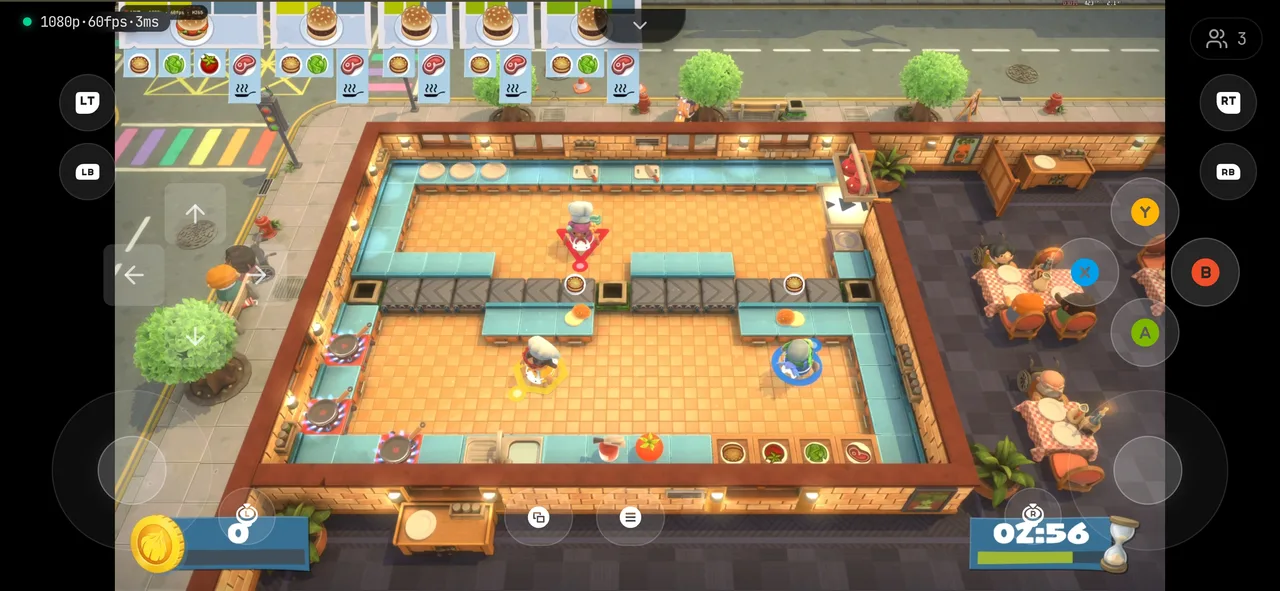
Your friend opens your link in their phone browser. They turn on the on-screen joystick (or pair a Bluetooth controller) and they're in, playing your game with you, in the same session. Nothing to install, no account, no setup.
- On-screen touch joystick, or pair a Bluetooth controller.
- Runs in the browser. No app download.
- Tap the link, jump in, play. In seconds.
Or they tune in from their computer.
Or they tune in from their computer.
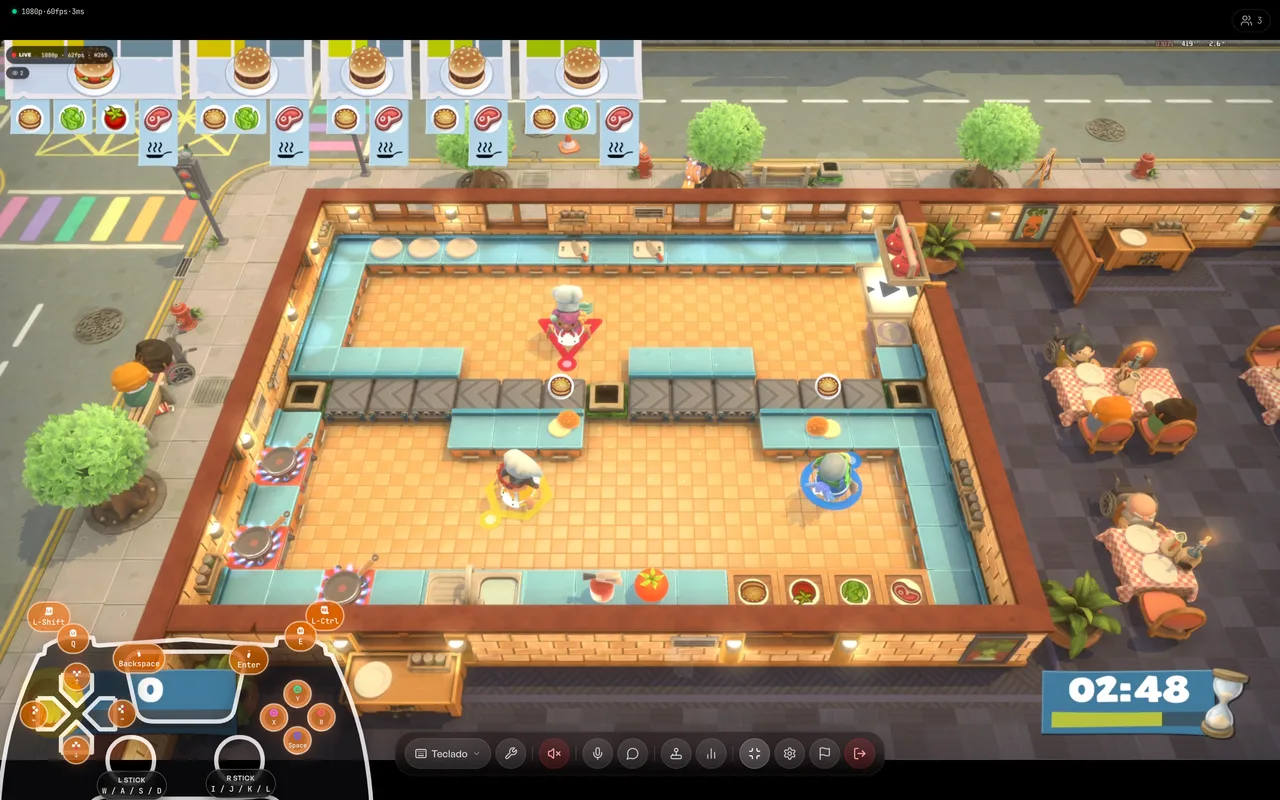
Does your friend prefer a bigger screen? They join from their Mac or PC browser and play what runs on your PC. Two ways to control:
- Their keys (WASD, arrows) map to a controller. Perfect for gamepad games.
- It all happens in the browser. Nothing to install.
- Adds their keyboard as one more player in your room.
Stream your game in stunning quality.
Stream your game in stunning quality.
Open LPT Studio on your PC, pick the game, and share the link. You decide who joins and who only watches. The video is hardware-encoded on your own GPU, so your game looks sharp without choking your machine.
- You approve who plays. No strangers.
- Hardware encoding (NVIDIA, AMD, or Intel): up to crisp 4K.
- Voice chat built into the room. No external apps.
It's co-play. A different thing.
Other apps let you watch, or take control. LPT lets you actually play together: your room, your game, their controllers.
Anywhere people want to hang out.
Eight different ways to play together without sitting on the same couch.
01 / 08
Remote LAN with your friends
You're in one city, they're in another. Open a room, share the link, and game together like the old days — no one has to move hardware.
"Saturday 9 pm we play for a bit — like we used to."
If it already runs on your PC, you're set.
Any title from Steam, GOG, Epic, whatever. If it's on your disk, you play it together in the browser.
Nostalgia is still playable.
If you can emulate it on your PC — PSX, PS2, PS3, N64, GameCube, Xbox — you can play it together like you were on the couch. One brings the console, everyone joins the room.
* With your own cartridges, discs or original dumps. LPT doesn't provide ROMs.
And any other LAN game you can think of. If it runs on your PC, you can play it together.
Hosts are waiting for someone to play with.
Open rooms, live right now. Browse them, jump into one, make new friends.
Going public is optional — private rooms stay invite-only.
Retro Night · SNES Co-op
@kenji_94
Learning Elden Ring
@valentina
Chill Racing · GT7
@dani.gg
Your friend will notice the quality.
Streaming built for games, not desktops: hardware-encoded on your GPU, with LPT connection servers in the nearest region.
Our own servers
4 regions · Americas
Hardware encoding
NVIDIA · AMD · Intel
Image quality
Up to 4K · H.264 + HEVC
Smoothness
60 · 90 · 120 fps
Final quality depends on the hardware and network on each side. The whole service is free, with no charges.
Your next game night is one link away.
Install LPT Studio. Share the link. Play together. That's it.